Text to mind map
Your notes are already
half a mind map
Bullet points, a chatbot’s answer, a paragraph from Notes, a page of your notebook: KiteMind turns text you already have into a mind map or flowchart. Text that already has a structure keeps it exactly; plain sentences are organized by the on-device AI.
- Lists and outlines keep their structure
- Reads photos of handwritten notes
- Nothing leaves your device
Updated
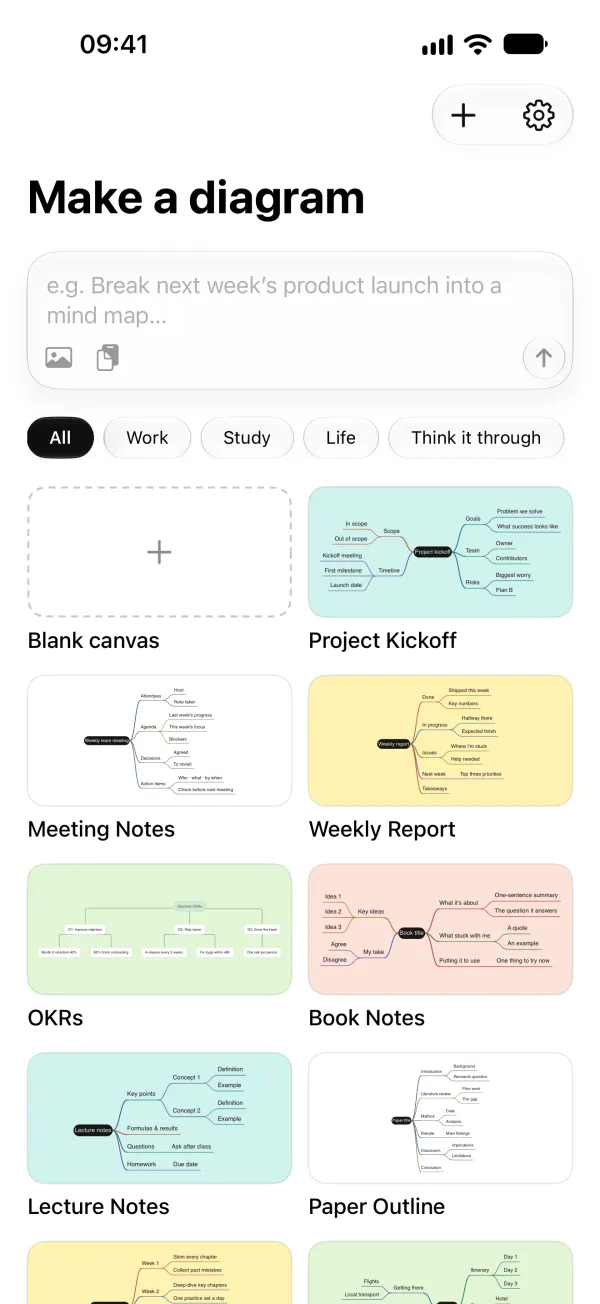
Four ways in
Bring the text in from wherever it is
When you paste or scan, the text lands in the input box first, so you can check it before anything is drawn.
- PasteCopy a bulleted list, an indented outline or a Markdown answer from a chatbot, then tap the paste button. Headings, bullets and indentation become branches.
- Share from another appSelect text in Notes, Safari or Mail, tap Share, choose KiteMind, then Draw. The map is waiting the next time you open KiteMind.
- Scan a photoPick a photo of a notebook page, a whiteboard or a printout. The text is read on the device and laid out as an outline, ready to draw.
- Open a fileMarkdown and OPML files open as maps, and so do files from other popular mind map apps, notes and relationship lines included.
Lists, outlines, Markdown and Mermaid are converted by rules: instantly, without AI, and on iOS 18 too. Plain sentences go to the on-device AI, which needs iOS 26 or macOS 26 and Apple Intelligence. It reads a limited amount of text at once, so for a long text, make one map per section or chapter.
Compared
Compared with redrawing it by hand
| KiteMind | The usual way | |
|---|---|---|
| Bulleted notes | Paste once; every level becomes a branch | Recreate each node by hand |
| Handwritten notes | Scan a photo; the text is read on the device | Type them up first |
| Paragraphs of text | The on-device AI picks out the main points | Paste them into a cloud AI tool |
| Where the text goes | Stays on your device | Often processed on a server |
Map and outline
Work on it as a map or as a list
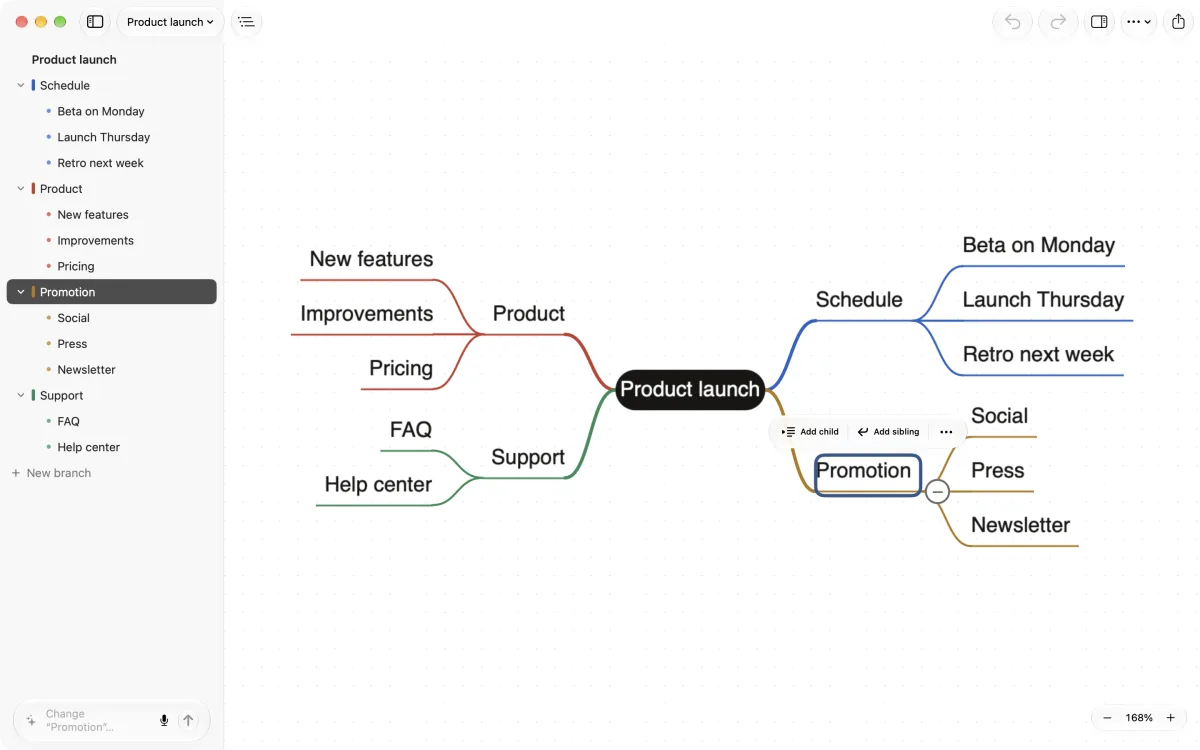
- On the Mac, the outline sits beside the map. Edit either one and the other follows.
- On iPhone and iPad, the outline button under the map opens the same list.
- Return adds the next topic; Tab (or the indent button) adds a subtopic.
- Need the text back? Export to Markdown or OPML. Text formats are always free.
Good starting points
What people turn into maps
Lecture notes
Paste or scan your notes from class and see how the topics connect.
A chatbot’s answer
Long answers with headings and lists become a map you can rearrange and trim.
Meeting notes
Bullet points from a meeting become a map of decisions, owners and next steps.
Book notes
Highlights and notes become a map of the main ideas, chapter by chapter.
Processes and rules
“Expenses over 5000 need director approval; otherwise…” becomes a flowchart.
Whiteboard photos
Snap the whiteboard before it’s wiped and keep working on it as a map.
FAQ
Questions about this
How long can the text be?
Lists, outlines and Markdown are converted by rules, not by the AI, so the AI’s reading limit doesn’t apply to them. Plain sentences go through the on-device AI, which reads a limited amount at once; if a passage is too long, KiteMind tells you, and you can split it into a few maps.
Can it read handwriting?
Yes, with Apple’s on-device text recognition. Clear handwriting and good light work best. Notes written as an indented list keep their levels; for a hand-drawn mind map, KiteMind takes the central topic as the root and lets the AI organize the rest.
Is my text uploaded anywhere?
No. Reading photos, converting text and the AI all happen on your device. If you turn on iCloud sync, your maps sync through your own iCloud account, which we can’t see.
Do I need Apple Intelligence?
Not for structured text: lists, outlines, Markdown and Mermaid convert on iOS 18 and macOS 15 or later. Turning plain sentences into a map needs iOS 26 or macOS 26 and a device that supports Apple Intelligence.
Guides
More ways to use KiteMind
Free to start. AI with no limits.
Drawing, editing and AI are unlimited in the free version. Pro is a one-time $9.99: no subscription, no account.